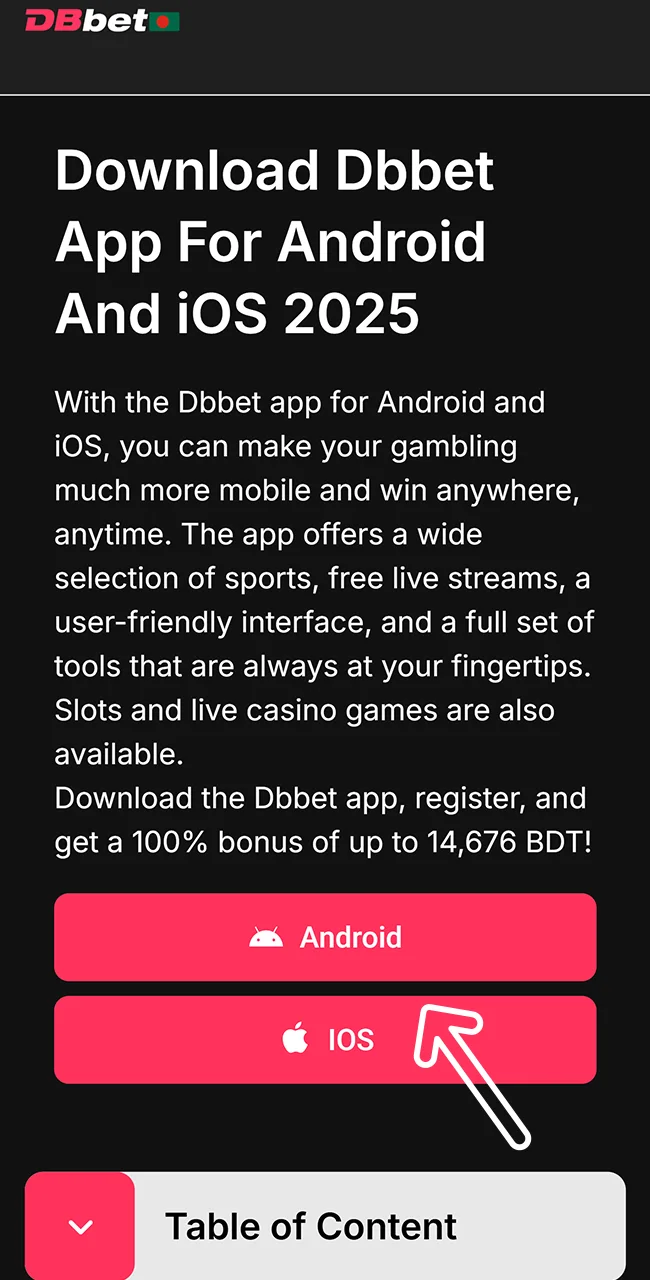
Tap the Android Button
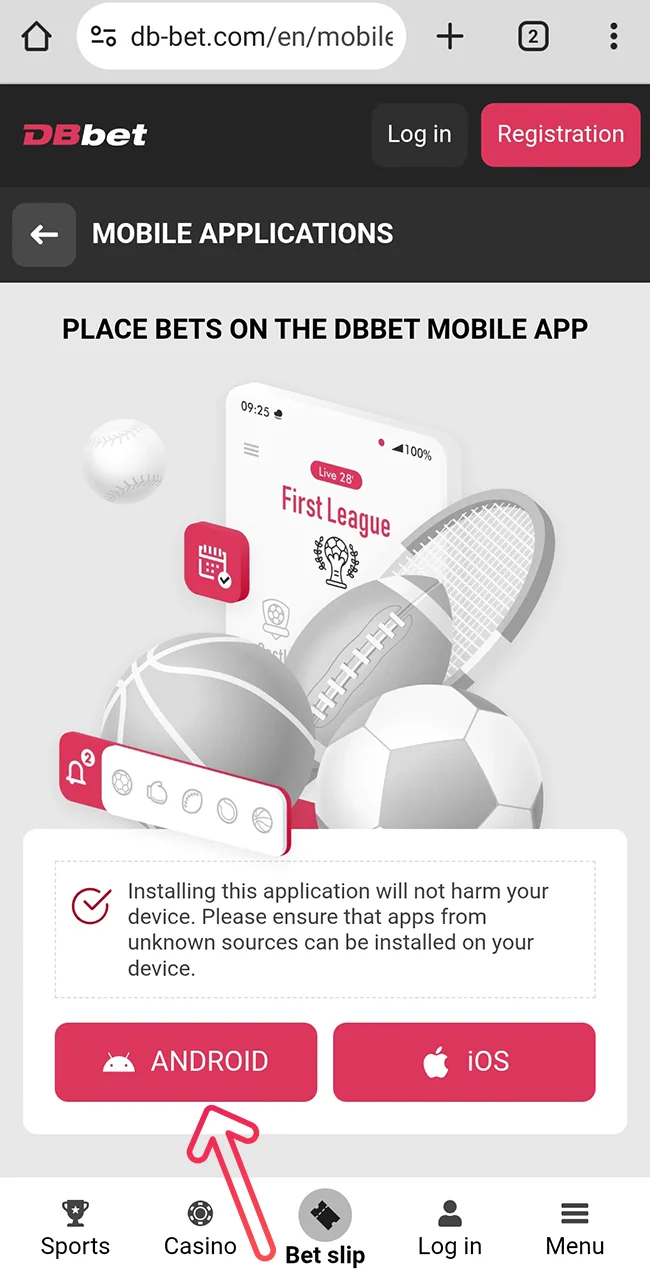
Tap the Android download button on this page to get the DBbet.apk file.
1.

With the DBbet app for Android and the PWA for iPhone, sports betting, slots and live casino games are available wherever there is a mobile connection. The app uses the same account, balance and cashier as the website, sends push notifications and shows live streams of selected events where available.
Install the app, register and claim the sports welcome bonus of 100% up to 14,610 BDT on the first deposit.
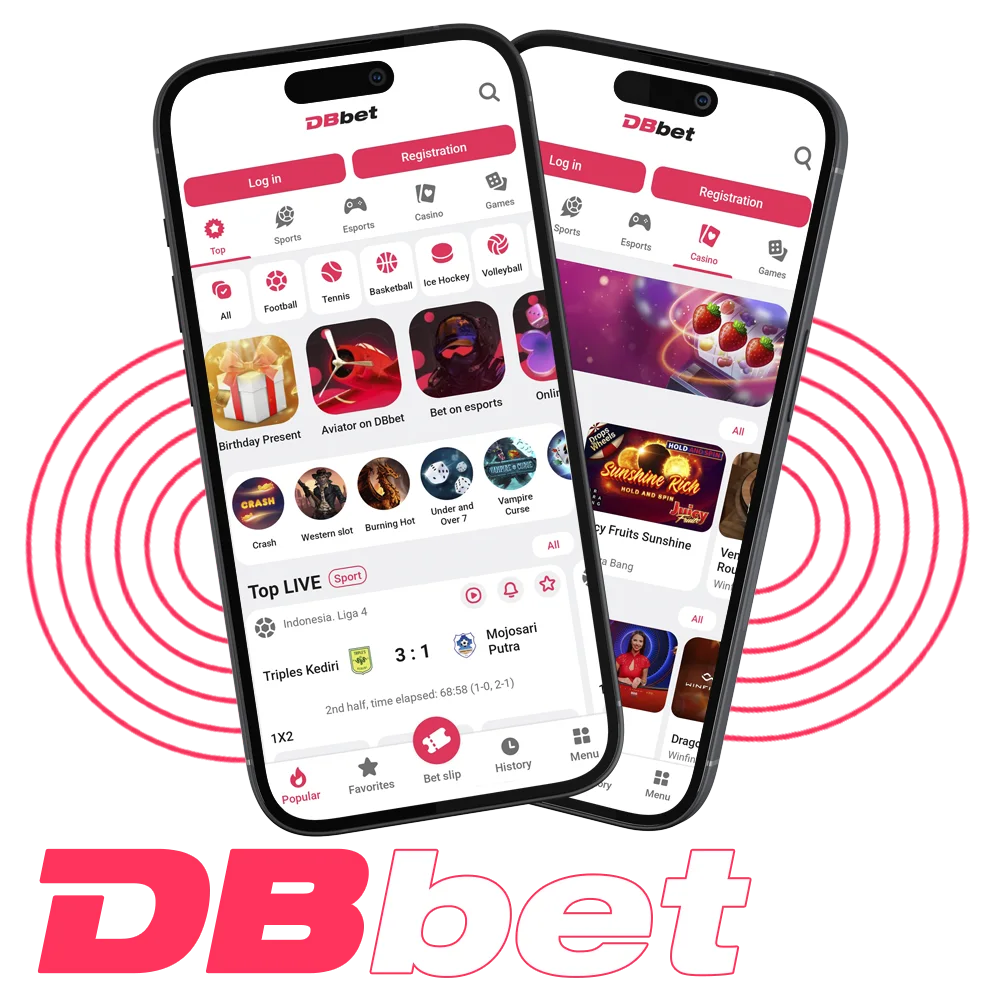
The DBbet app covers pre-match and live betting on more than 1,000 events a day, slots and live casino tables. Through the app, players can register, log in, place bets, top up the balance and request withdrawals. Android users install an APK file from the DBbet website, while iPhone users add the PWA to the Home Screen from Safari.
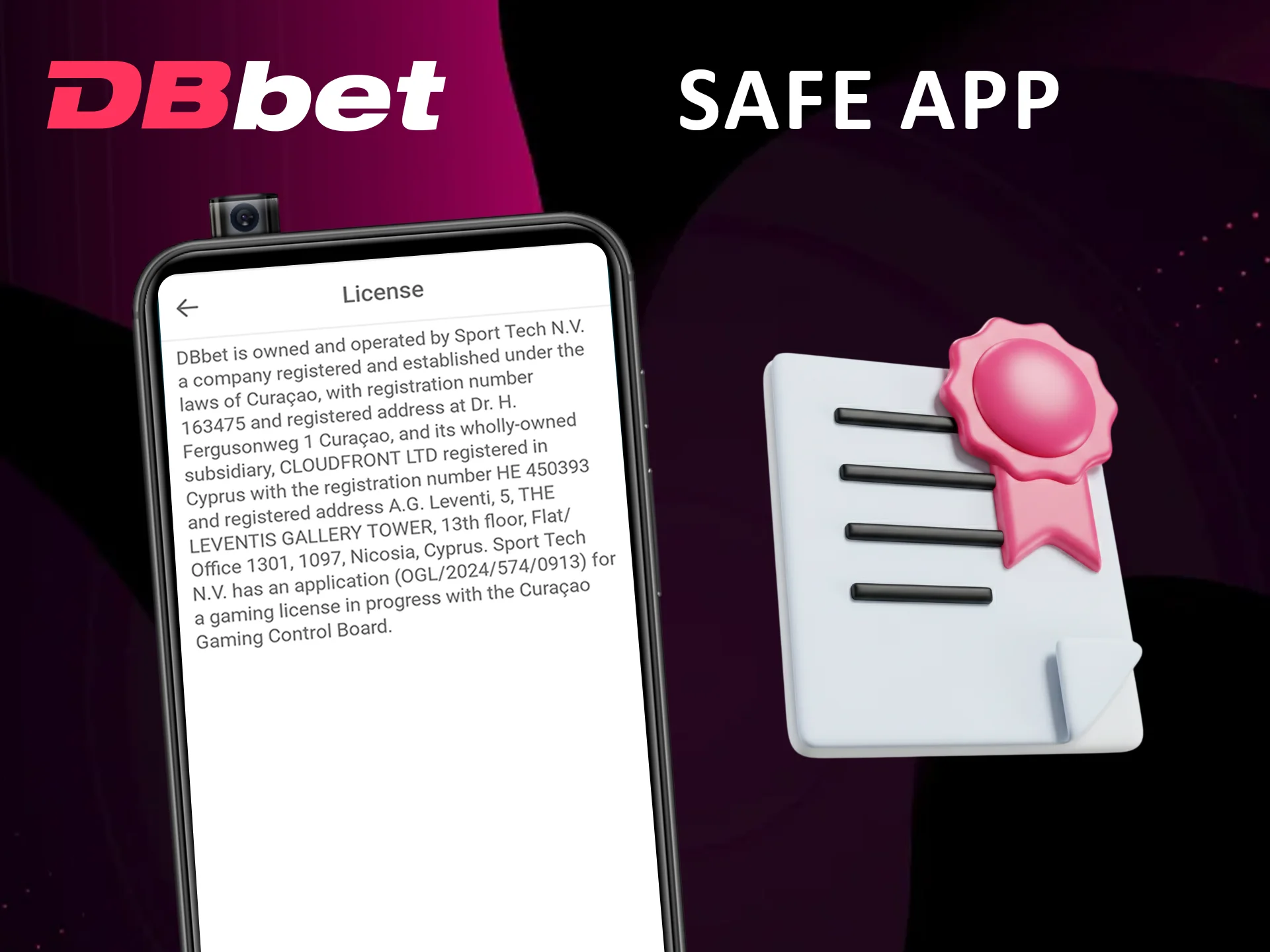
DBbet is operated by SPORT TECH N.V. (Curaçao, company no. 163475) under Curaçao licence OGL/2024/574/0913, issued by the Curaçao Gaming Control Board on 22 November 2024.
Key details about the app are listed in the table below:
| Operator | SPORT TECH N.V. |
| License | Curaçao, OGL/2024/574/0913 |
| Android | APK file from the DBbet website |
| iOS | PWA added from Safari |
| Cost of Download | Free |
| Welcome Bonus | 100% up to 14,610 BDT for sports |
| Bet Types | Single, accumulator, system, chain and others |
| Support Service | Online chat, email |
The application interface is designed so that users can quickly find the section they need and start gambling. The sports and casino pages are conveniently laid out, providing easy navigation.
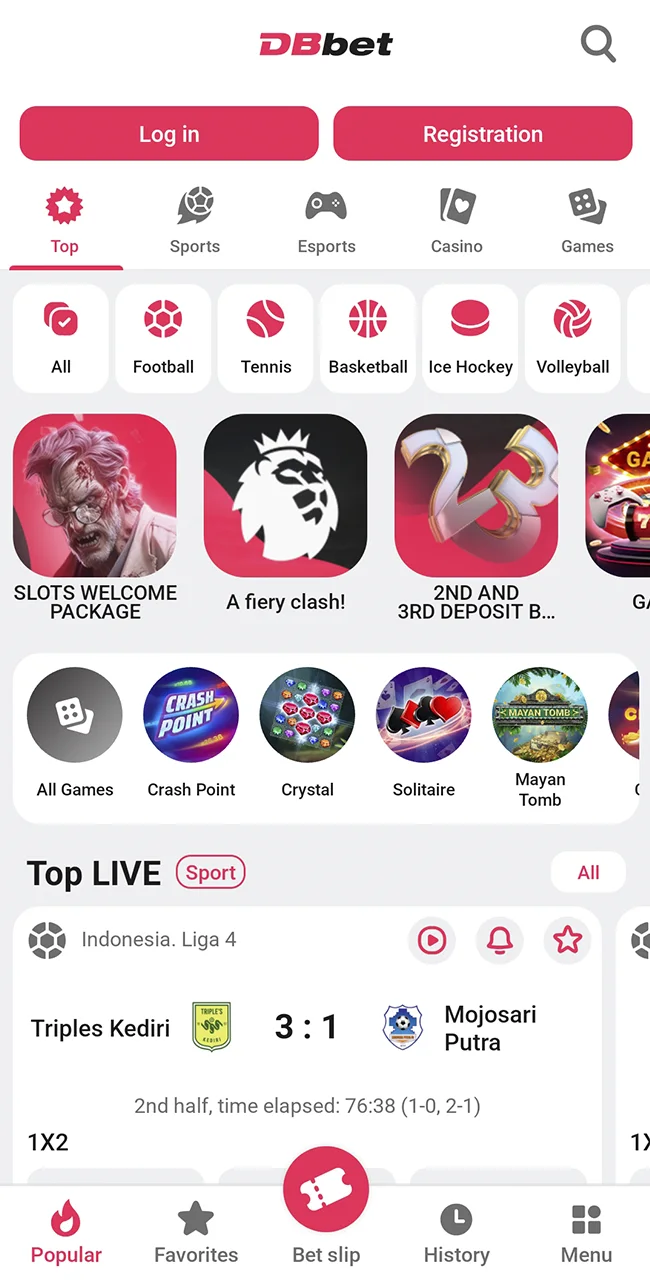
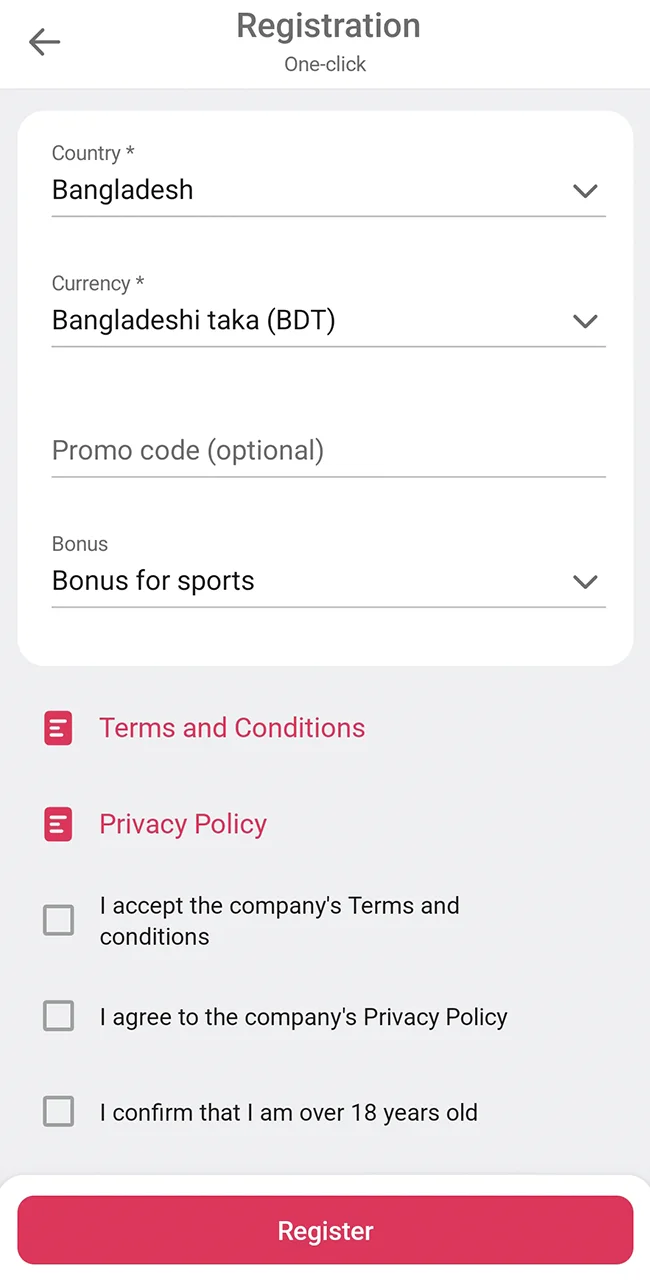
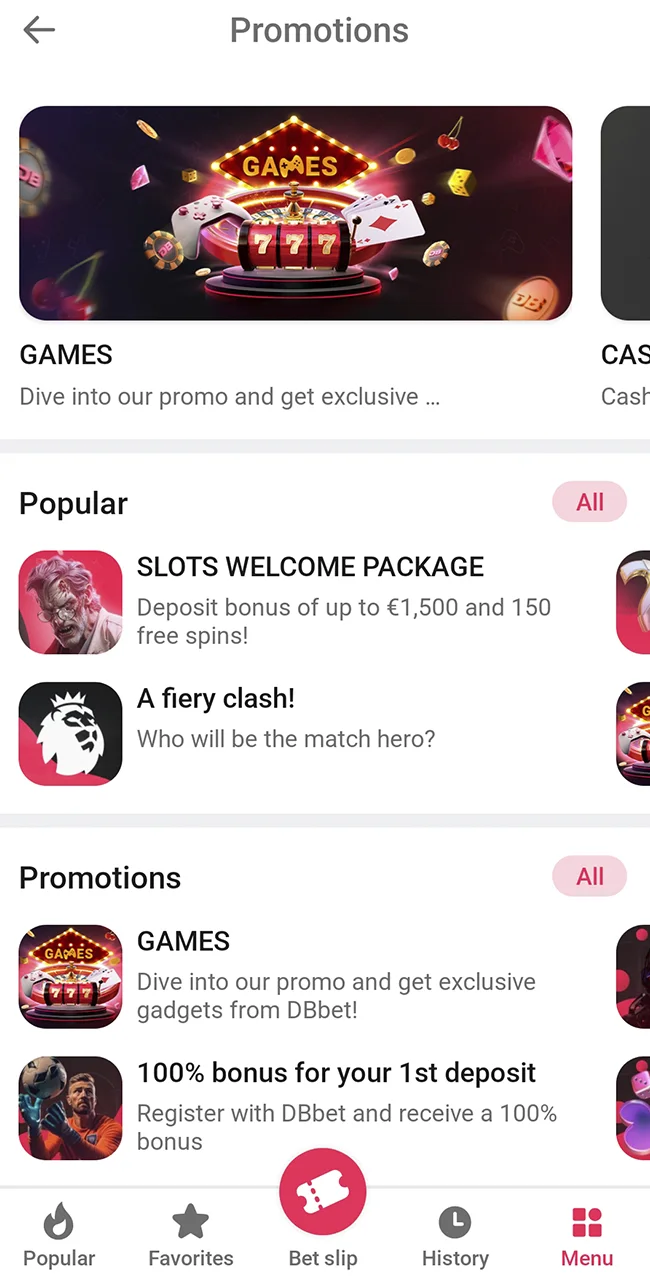
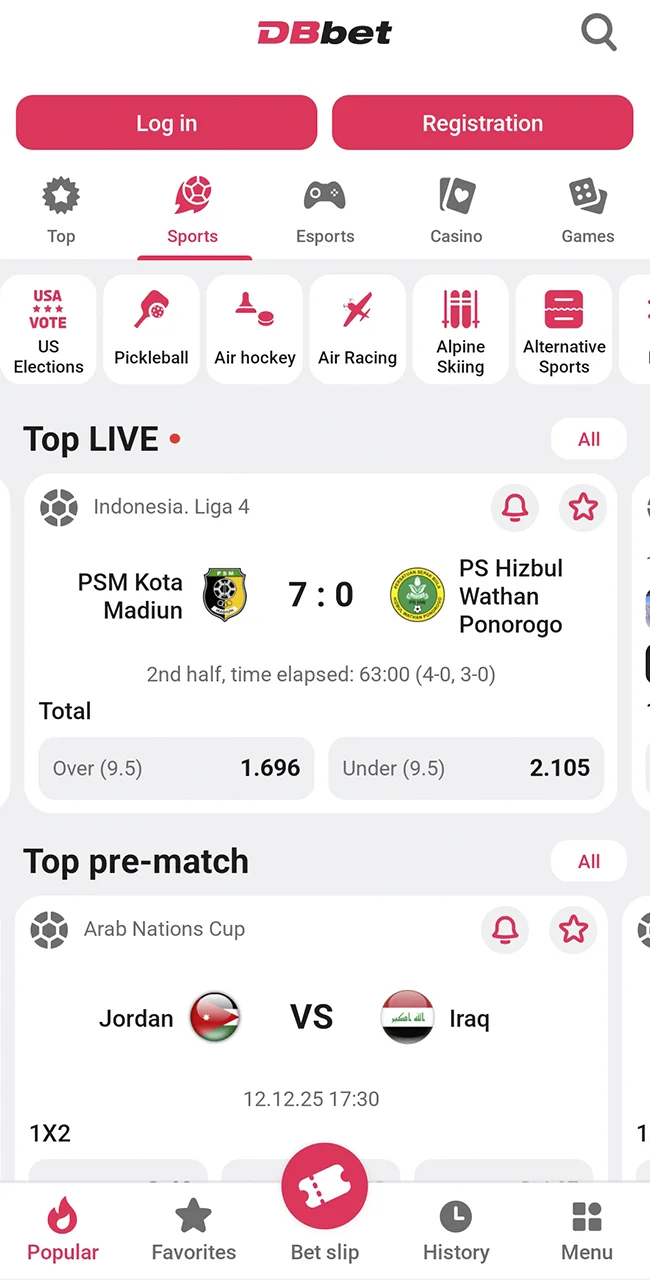
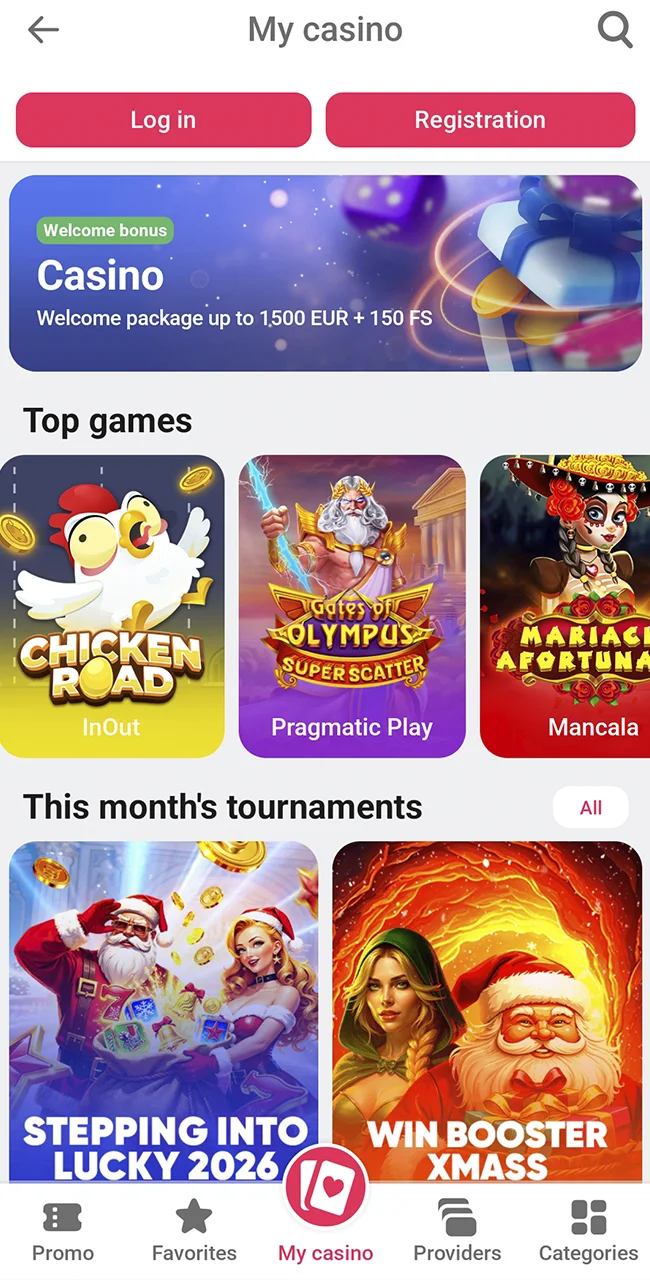
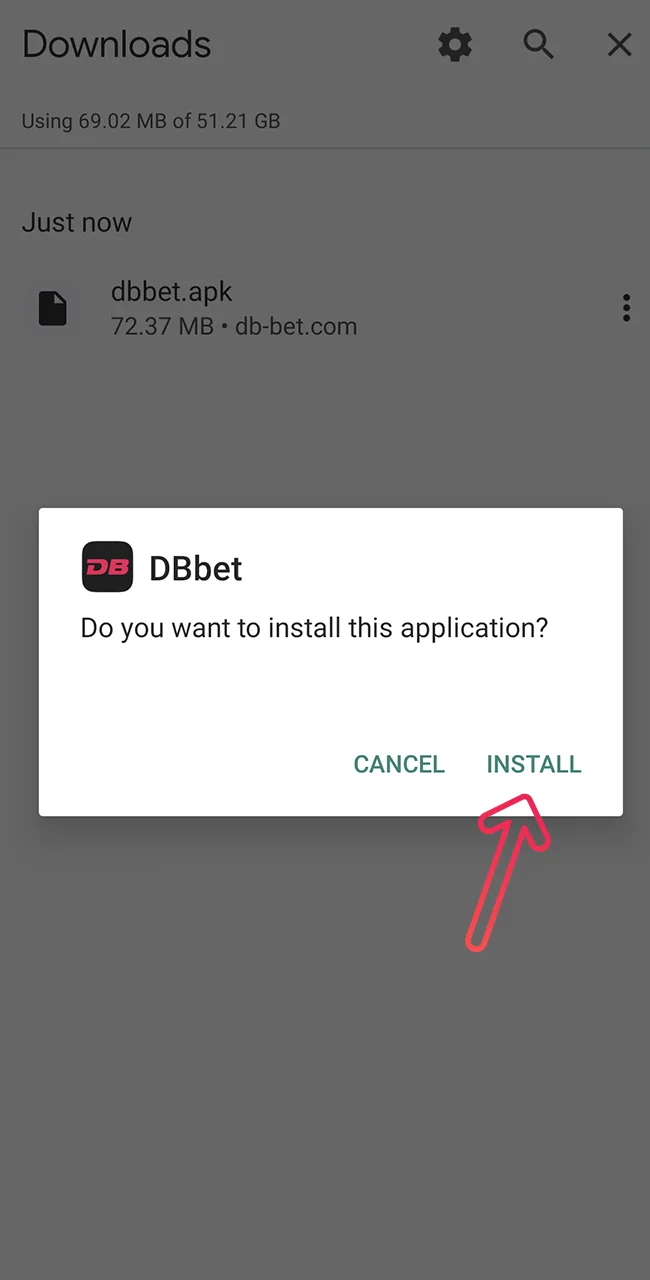
Installing the DBbet APK takes a few minutes. The file comes from the DBbet website, so Android has to allow installation from unknown sources once.
Tap the Android download button on this page to get the DBbet.apk file.
When Android asks, allow your browser or file manager to install apps from unknown sources in the security settings.
Open the downloads folder, tap DBbet.apk and confirm the installation. Then open DBbet from the new icon and log in or register.
DBbet has no native app in the App Store. Instead, the official DBbet mobile page offers iPhone and iPad users a PWA: a web app that opens the mobile site from a Home Screen icon, takes almost no storage and always loads the current version. Installation takes a minute:
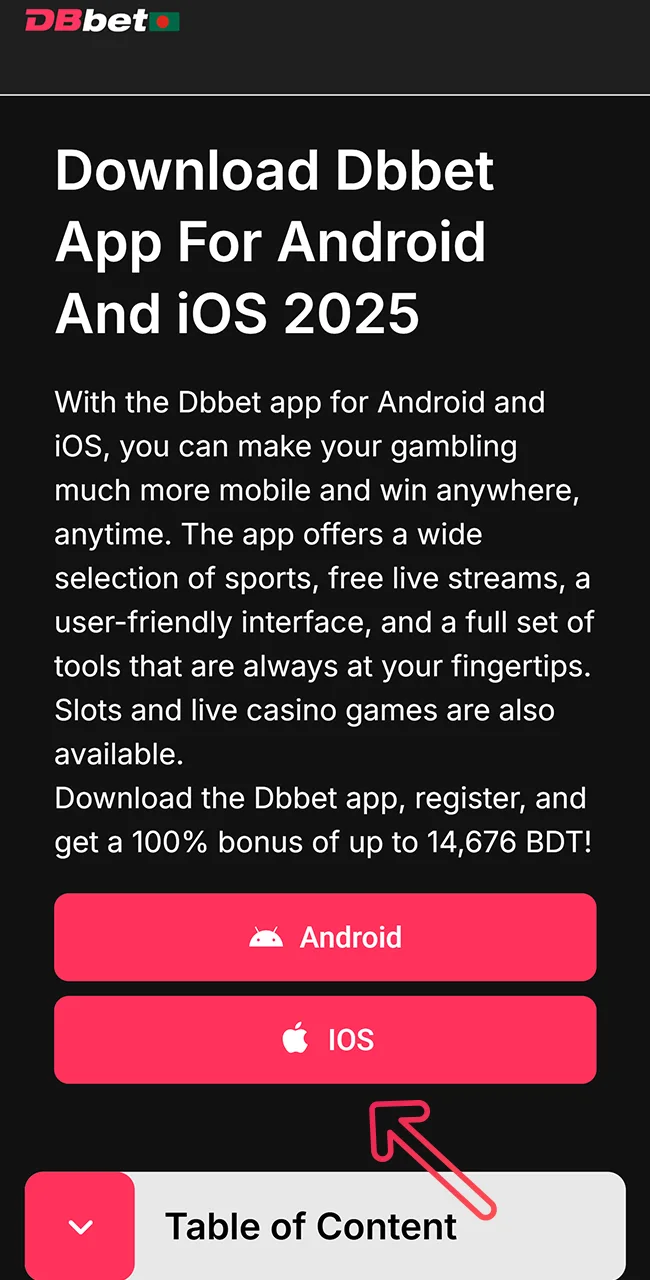
Tap the iOS button on this page and open the DBbet site in Safari.
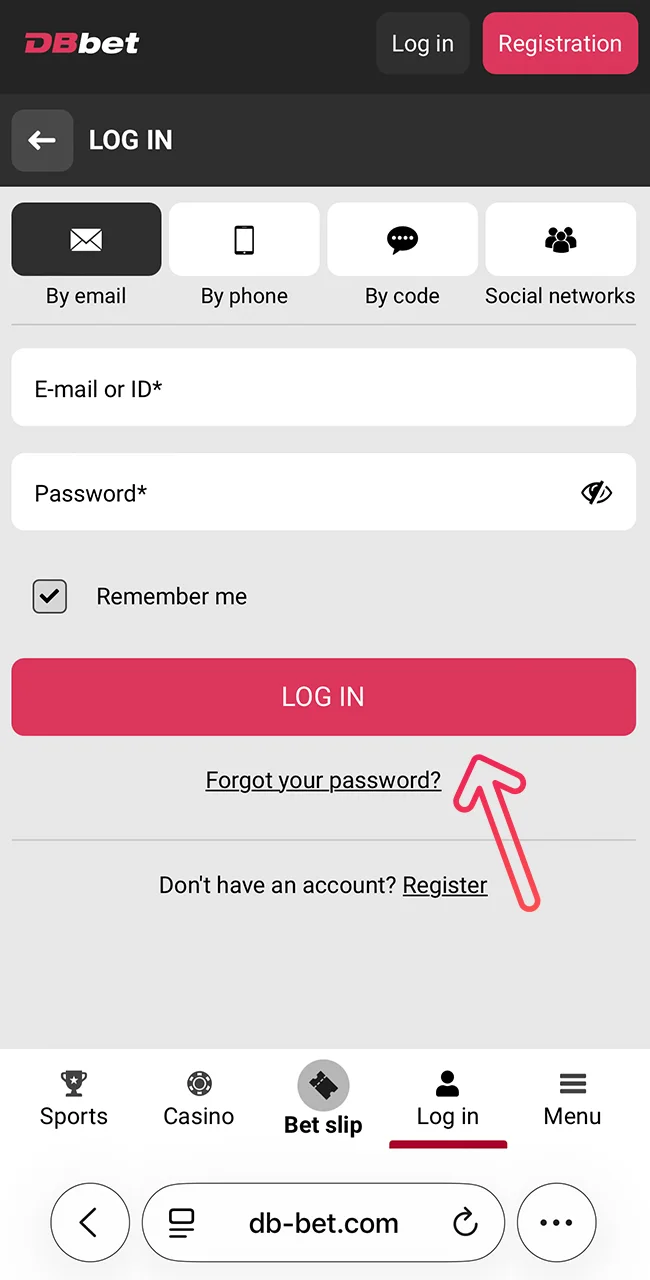
Log in to your account or register it if you haven’t done so yet.
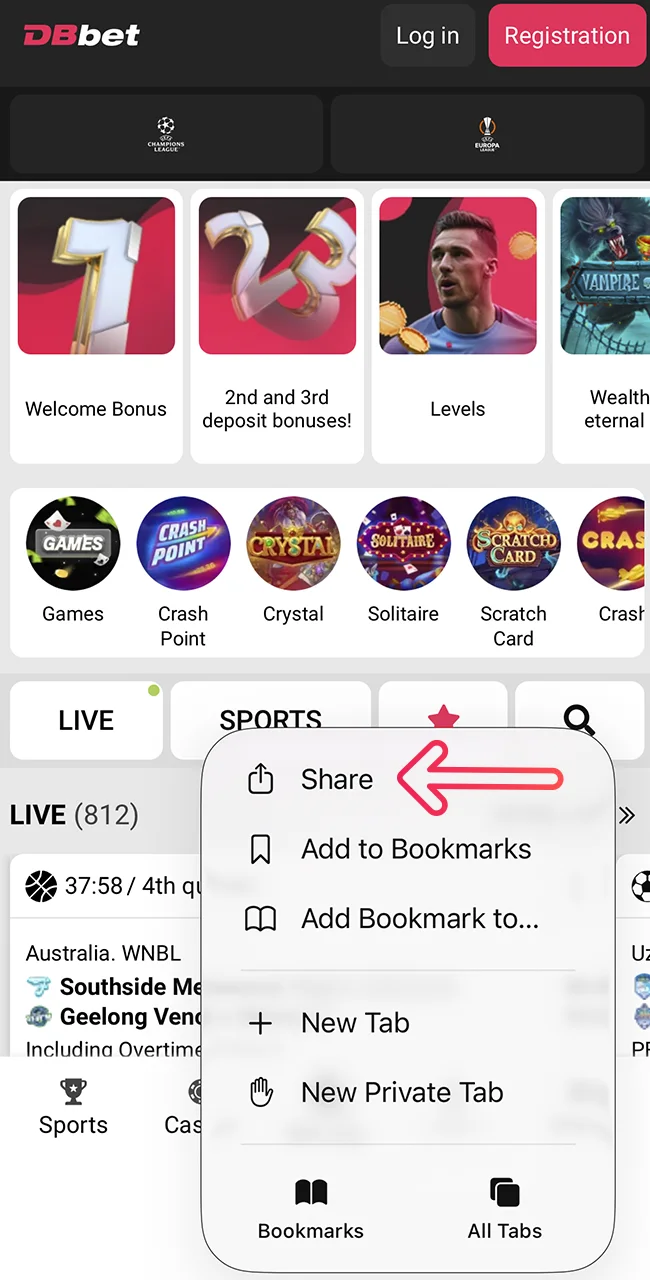
Tap the Share icon in Safari’s toolbar.
Choose “Add to Home Screen”, then tap “Add” to confirm.
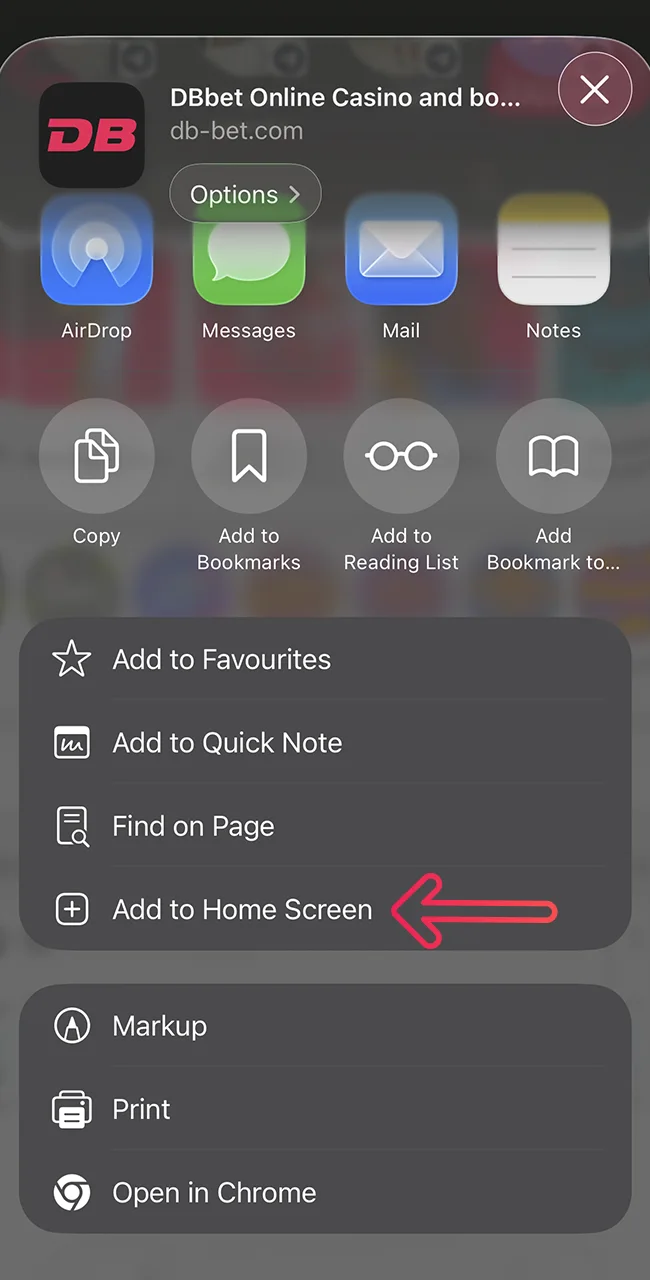
After installing the PWA, you can log into your account, make a deposit, and start placing bets or playing casino games.
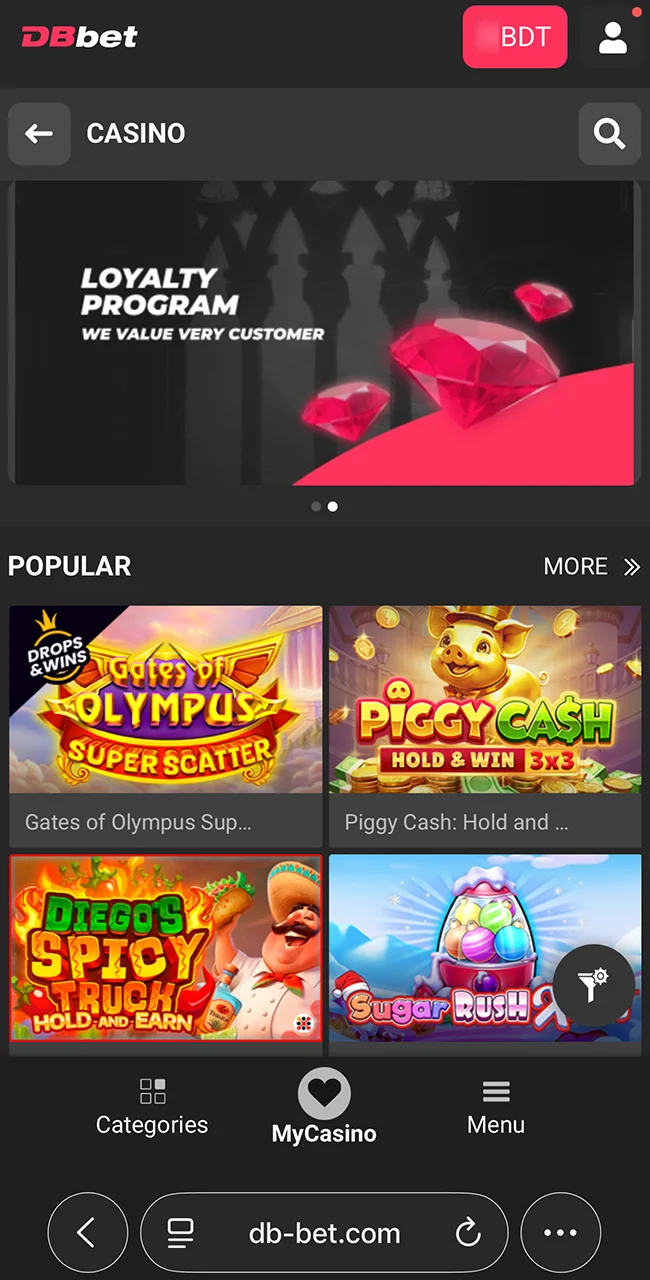
The DBbet mobile app provides a full range of betting and casino options right from your smartphone. It includes tools for live betting, fast casino games, secure payments, and complete account management. Below you will find detailed information about the main features available in the app.
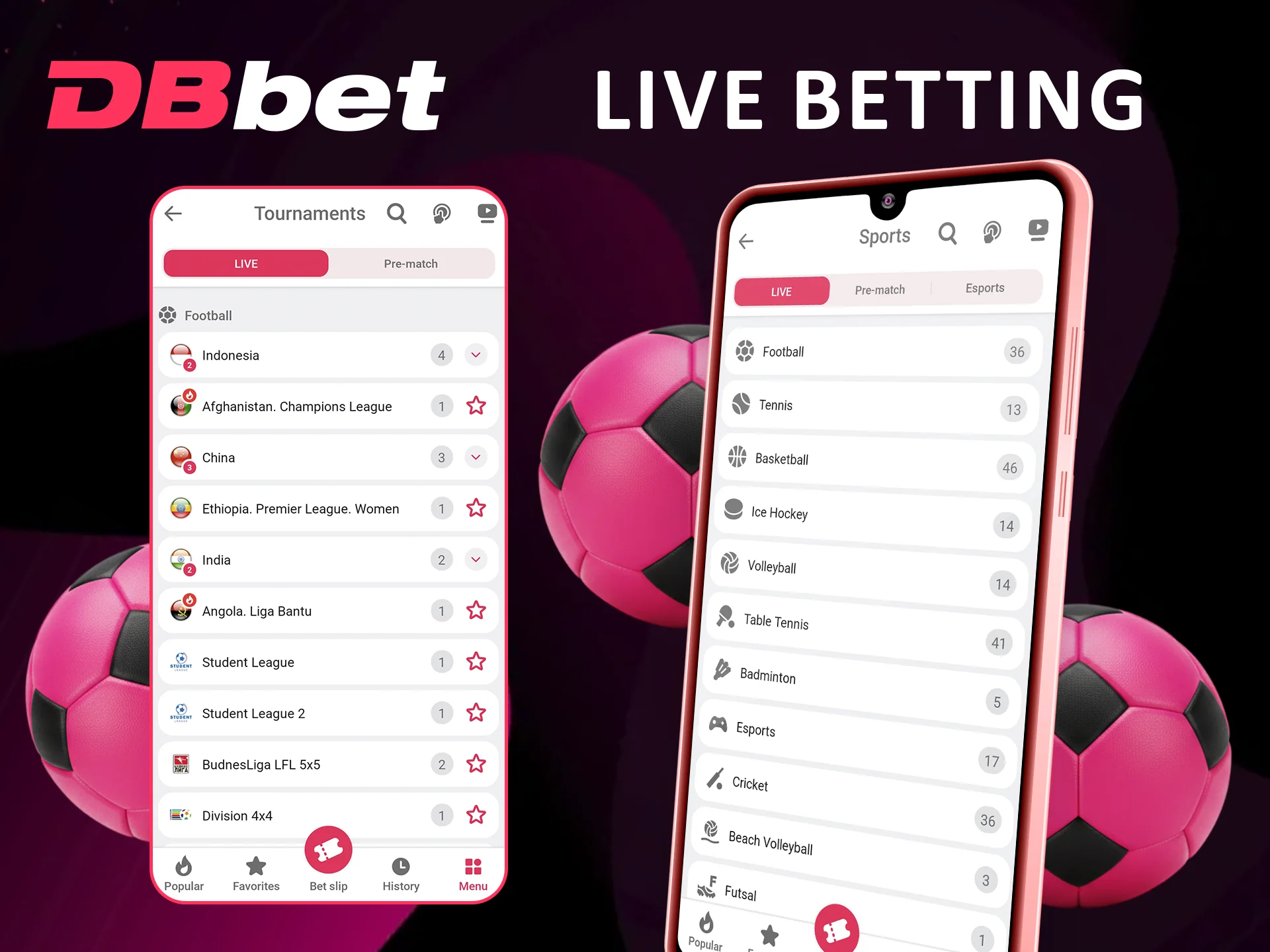
Live betting in the DBbet application is designed for users who prefer to place bets during ongoing matches. It runs around the clock, most events offer more than 30 markets, and odds update in real time. The list of sports includes:
The interface contains intuitive user interface elements such as quick bet buttons, real-time scoreboards, and quick market switching. Many matches also offer live streaming, allowing users to watch games directly in the app.
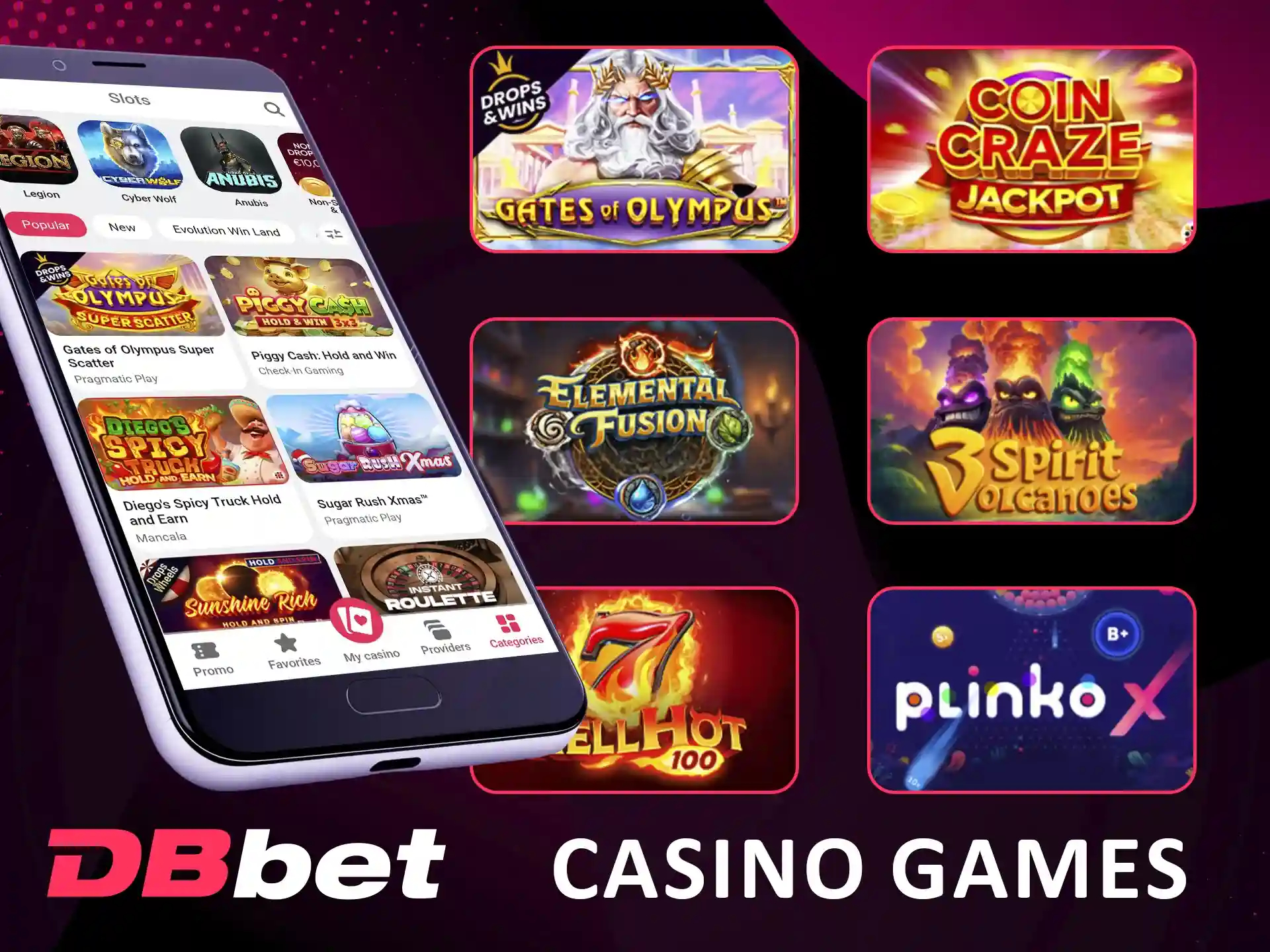
The casino section of the DBbet app includes a large library of games from well-known developers. Games load quickly and automatically adjust to display settings. The app supports full integration with Live Casino, allowing users to play at tables with real dealers in real time. The list of game genres includes:
Among the providers available on DBbet are Pragmatic Play, Hacksaw Gaming, BGaming, Evolution, Playtech, and many others. Winnings are credited to the balance and can be withdrawn once verification and any bonus wagering are complete.
The app uses the same cashier as the website, so the BDT balance can be topped up with mobile wallets such as bKash, Nagad and Rocket, e-wallets such as Skrill, Neteller and ecoPayz, or around 30 cryptocurrencies. Limits and processing times for each method are shown in the cashier, and the full list of methods is on the deposit page.
Payouts are requested from the wallet menu of the app and, as a rule, go back to the method used for the deposit. The cashier shows the limits and the expected processing time before the request is confirmed, and the account has to be verified before the first payout.
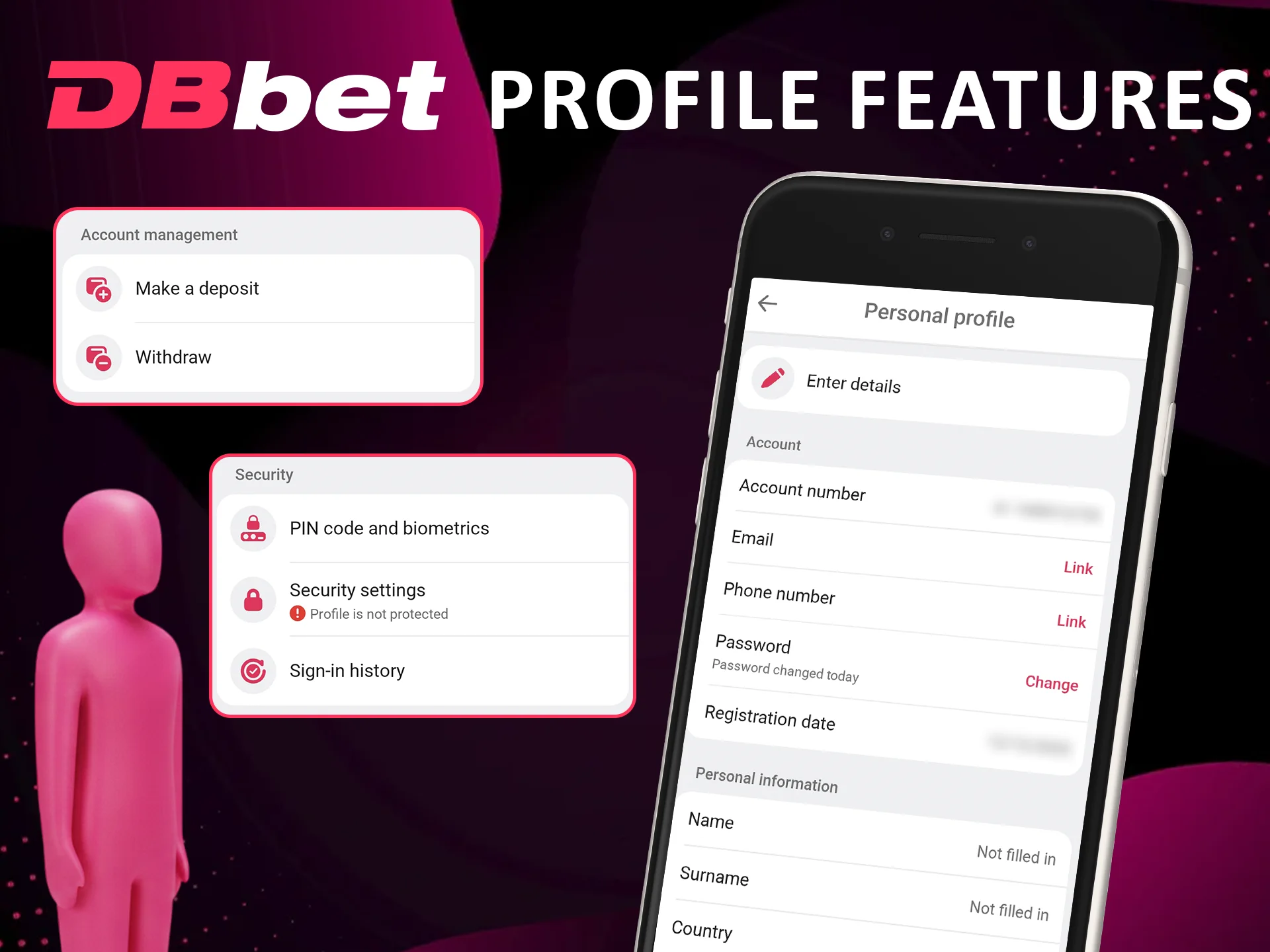
The user profile section in the DBbet app provides complete control over personal information, security settings, and betting history. Players can update their contact details, manage responsible gaming limits, and complete verification directly through the app. Account data is transferred over an encrypted connection. Users can also track all past deposits, withdrawals, and bets.
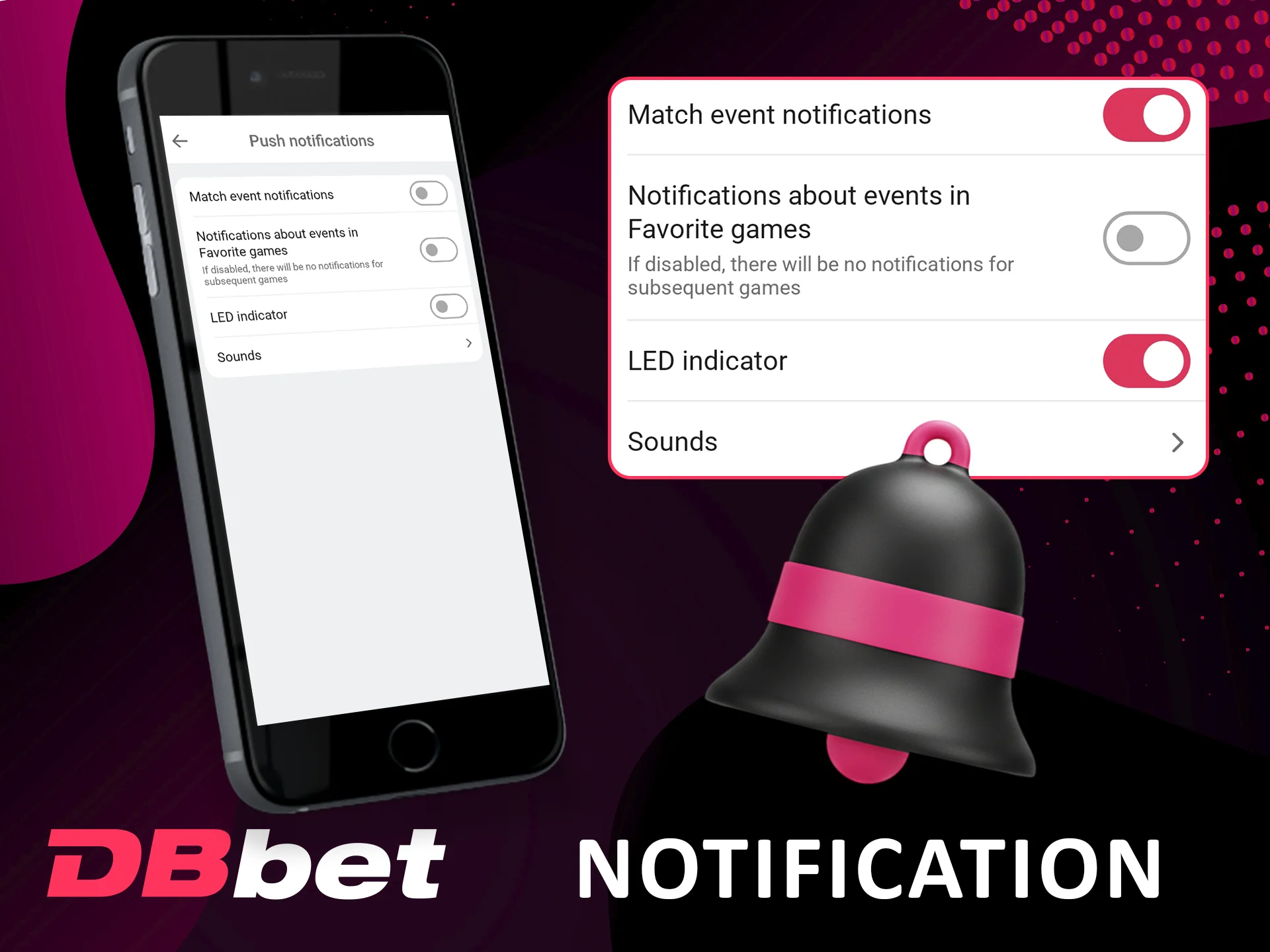
The notification system in the DBbet app helps users stay up to date with all important events. Push notifications can inform you about bet settlements, odds changes, upcoming matches, and new bonuses available. Users can customize the types of notifications they want to receive to avoid unnecessary messages. Notifications can also remind players of pending bets, active bonuses, or upcoming events.
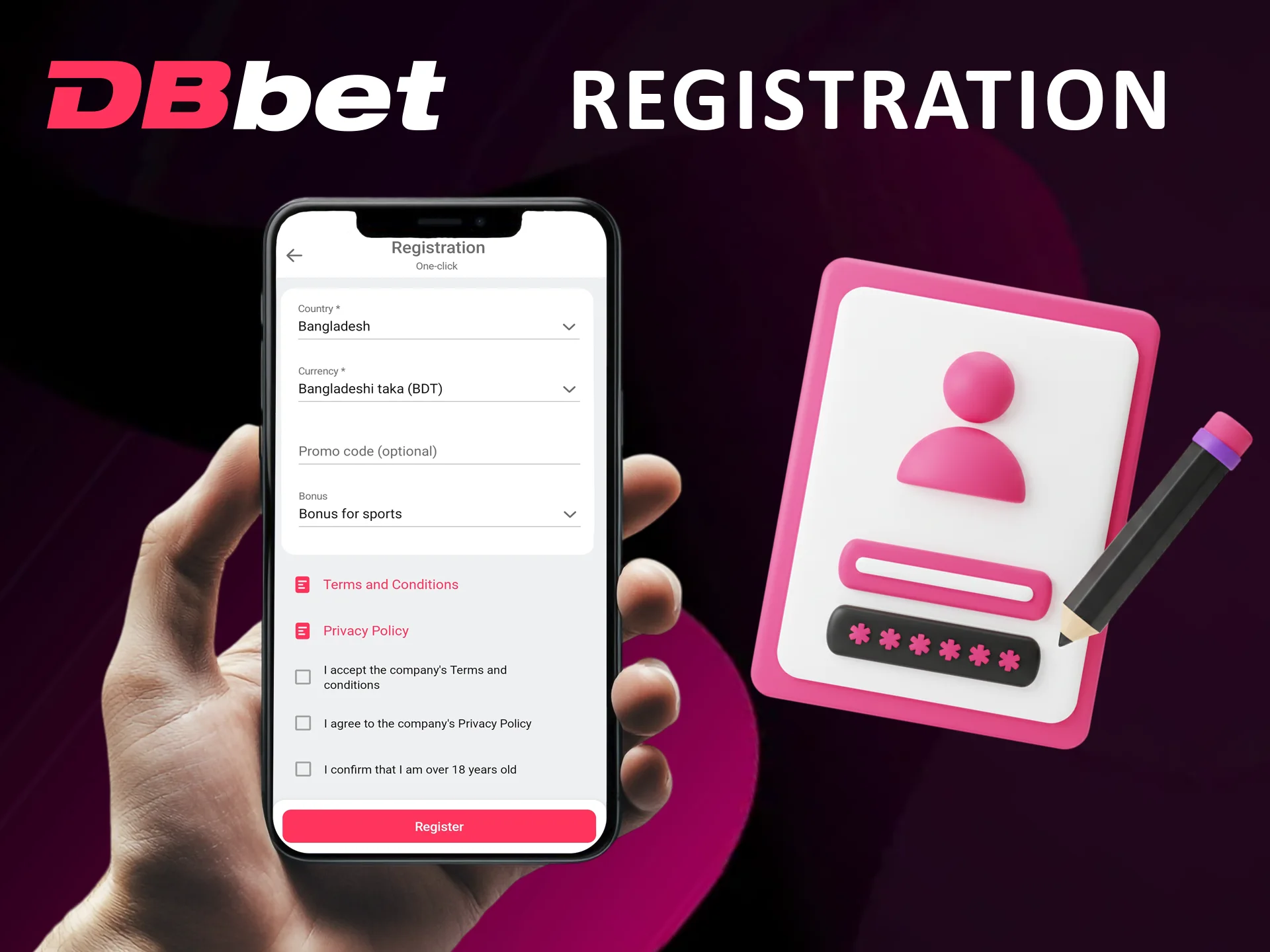
New players can open an account directly in the app: tap the registration button, choose a sign-up method, select BDT as the account currency and confirm. The same account then works in the app, in the iOS PWA and on the website, so there is no need to register twice.
App users get the same promotions as website players. New customers choose one welcome offer: 100% of the first deposit up to 14,610 BDT for sports (minimum deposit 146 BDT, wagered 5x in accumulators) or the Slots Welcome Package of up to 219,148 BDT + 150 free spins over four deposits (wagered x35 within 7 days). BDT amounts follow the exchange rate. Second and third deposit bonuses, cashback and other offers are described on the bonuses page.
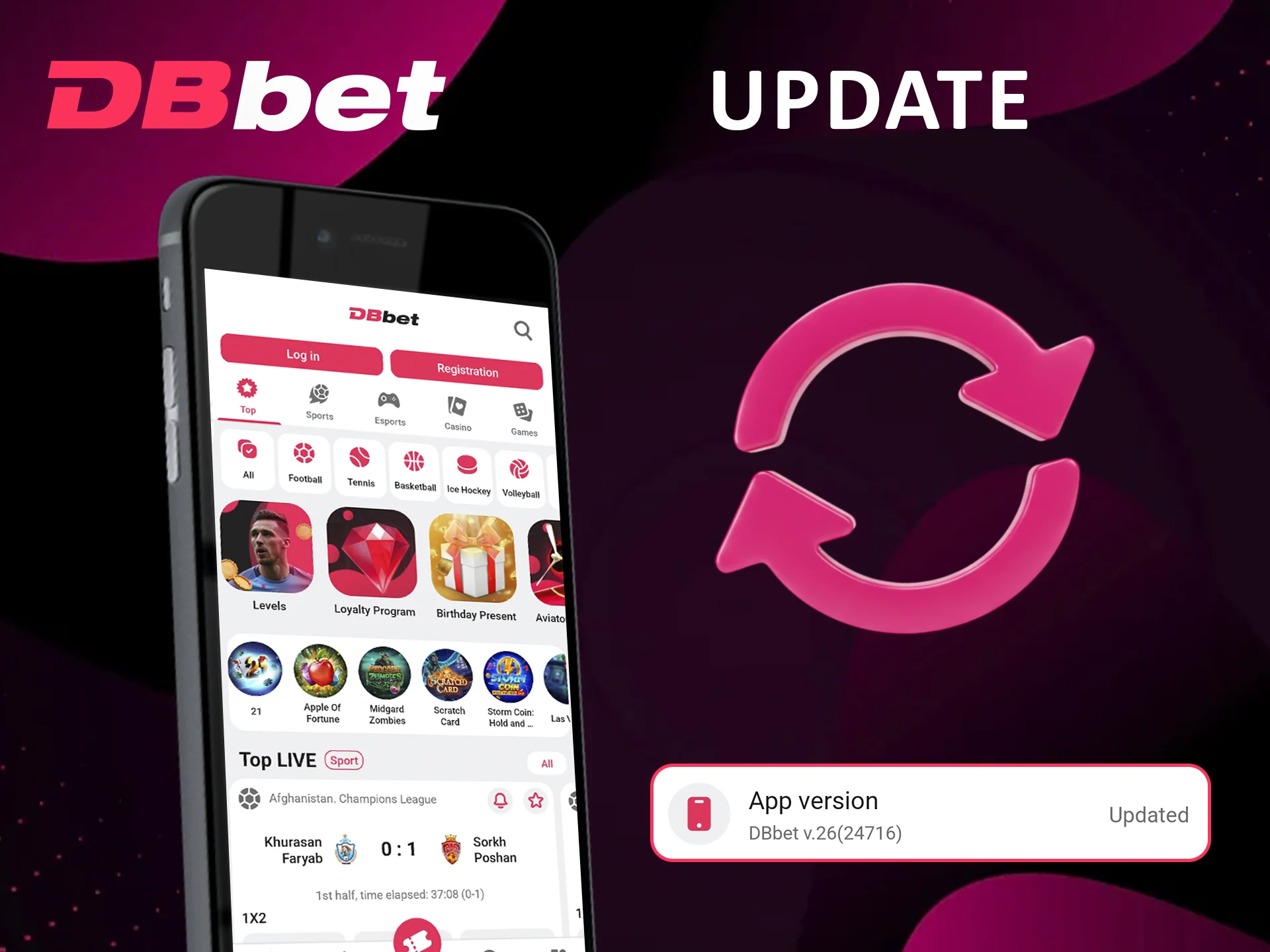
When a new version of the Android app is available, DBbet shows a notification. Updating takes three steps:
Updates bring security and bug fixes, so it is worth installing them. The iOS PWA always loads the current version of the site and needs no manual updates.
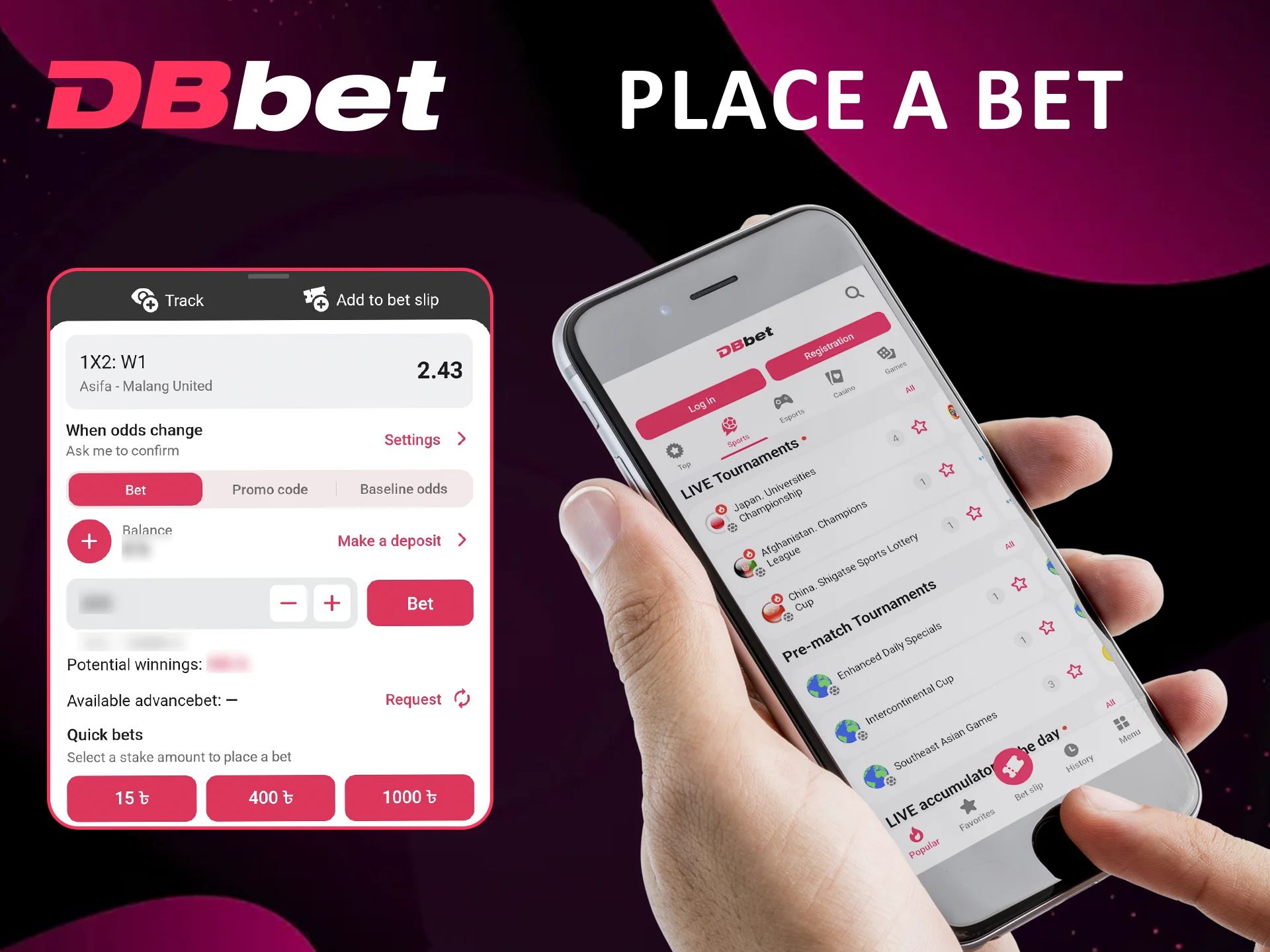
The betting process in the app is very easy thanks to the simplified interface. The steps below show how to place a first bet on DBbet:
Once the bet is confirmed, the stake is deducted from the balance. If the bet wins, the payout is credited to the DBbet account automatically after settlement and can be used for new bets or withdrawn.
You can place bets on DBbet without installing the app by using the mobile version of the website. It replicates all the features of the app, including live betting, account deposits, and withdrawals. Simply open the website in your smartphone browser and log in to your account.
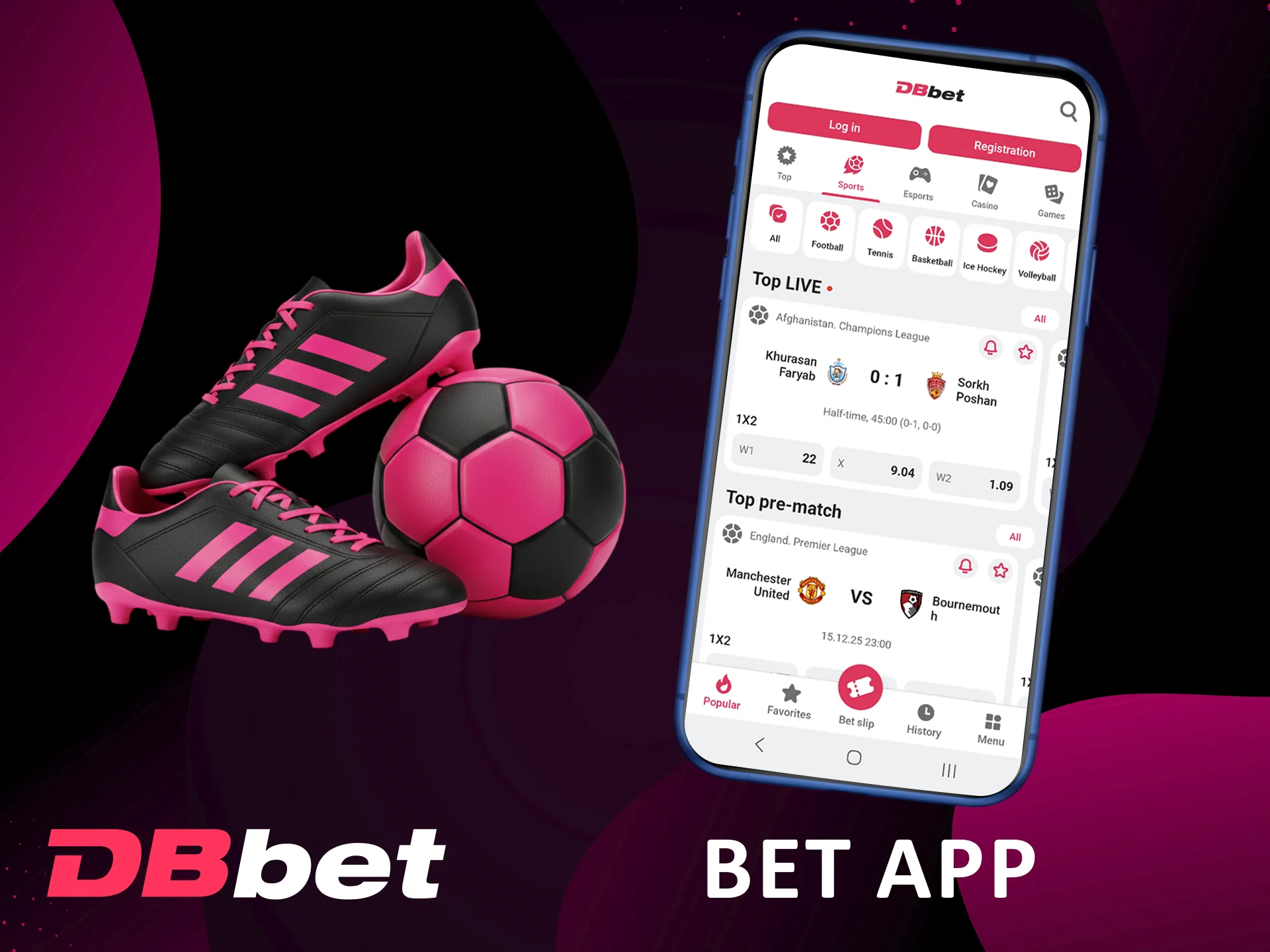
The app connects to the same DBbet platform as the website, which is run by a company licensed in Curaçao. Data between the phone and the servers travels over an encrypted connection, and logins from unfamiliar devices are monitored. Players can add protection of their own: use a strong password that is not used elsewhere, keep login details private and log out on shared devices.
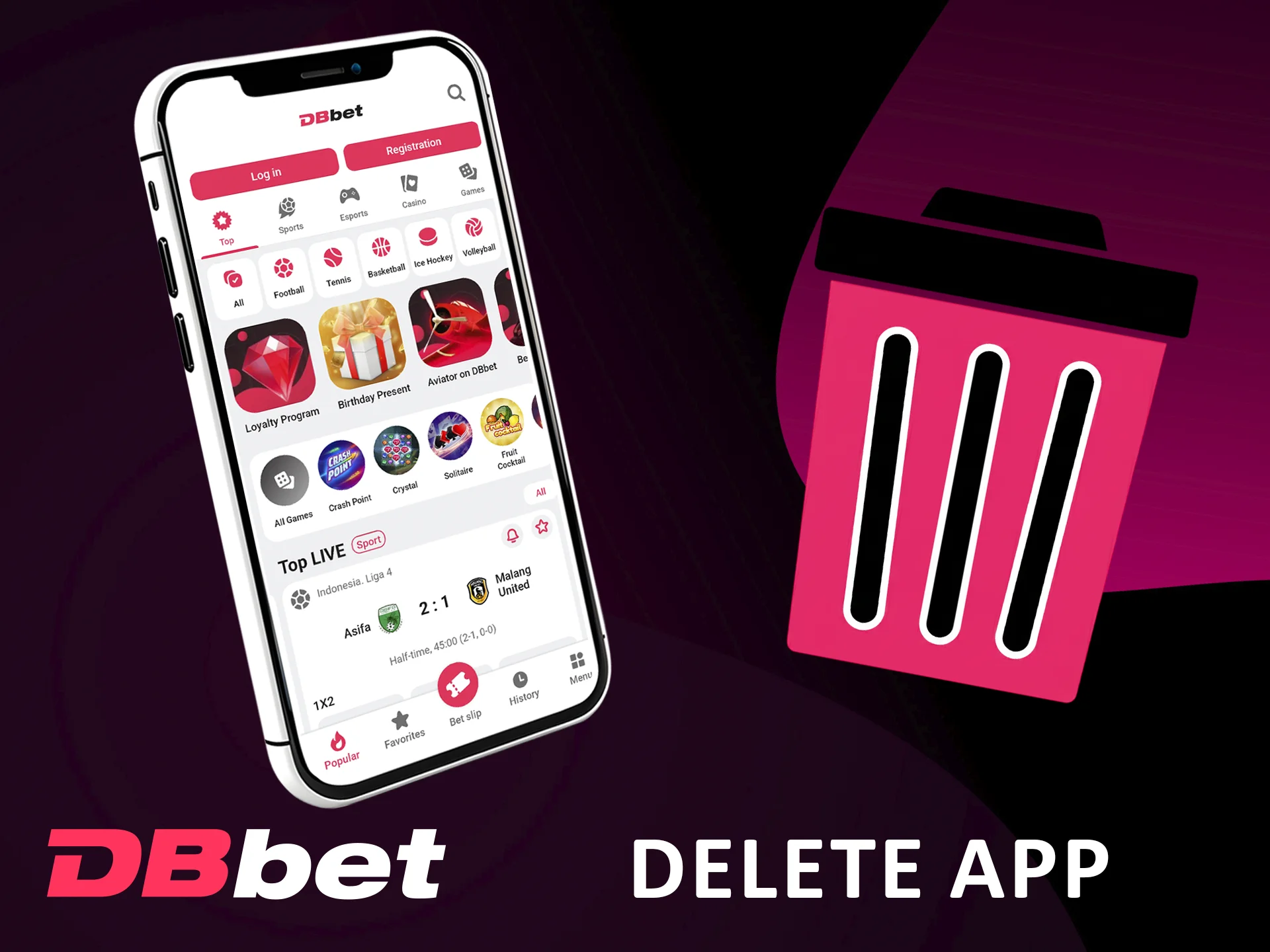
To delete the DBbet app, open the app menu on your device and select the delete function. On Android, simply press and hold the icon, then select “Delete.” For the iOS PWA, long-press the icon and remove it from the Home Screen.
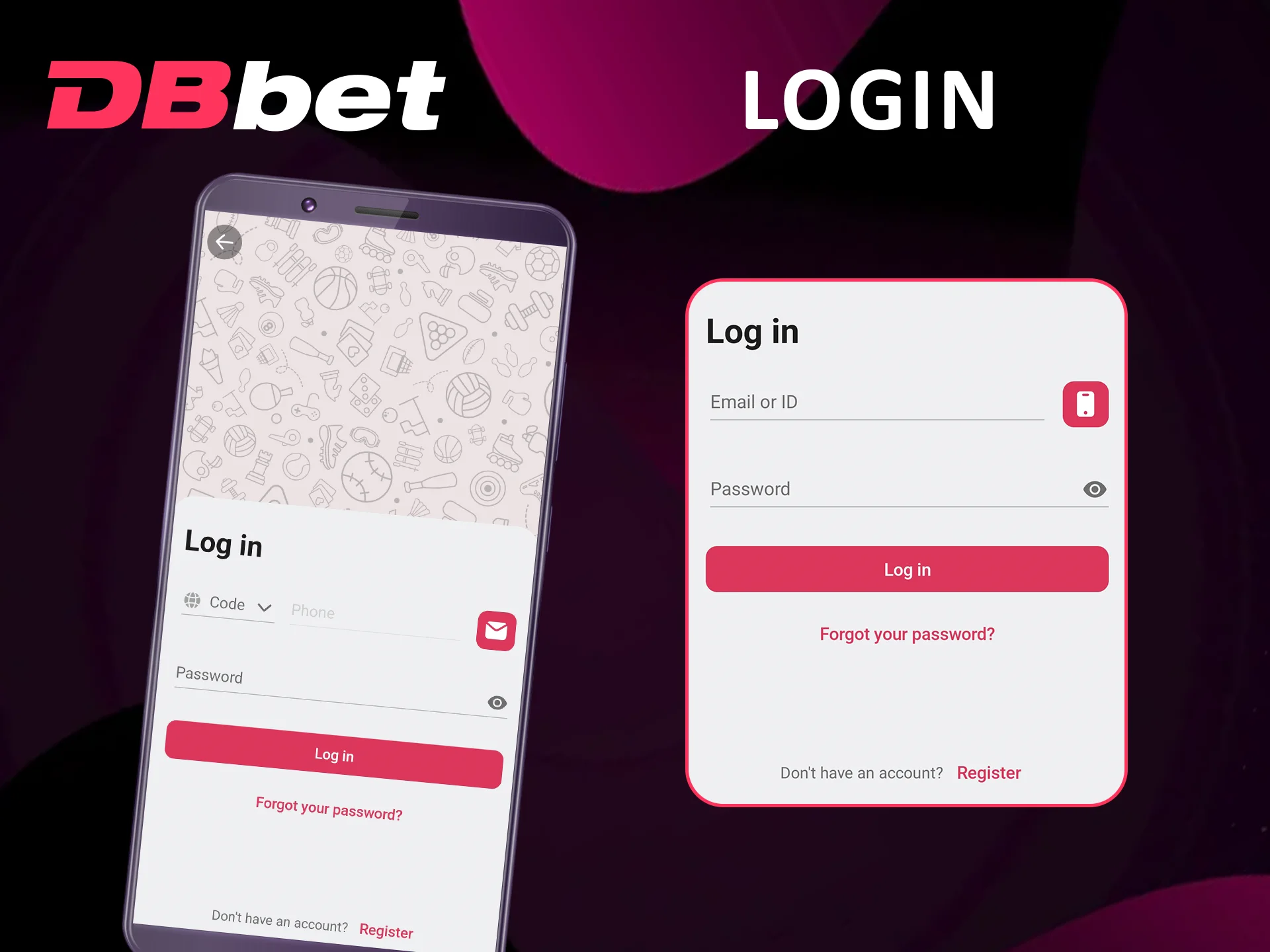
If you already have a DBbet account, you don’t need to create a new one for the app. You can log in, and here’s how to do it:
After that, you will be taken to your account and can start playing. It is worth noting that the app will remember your account details, and you will be automatically logged in when you open the DBbet app.
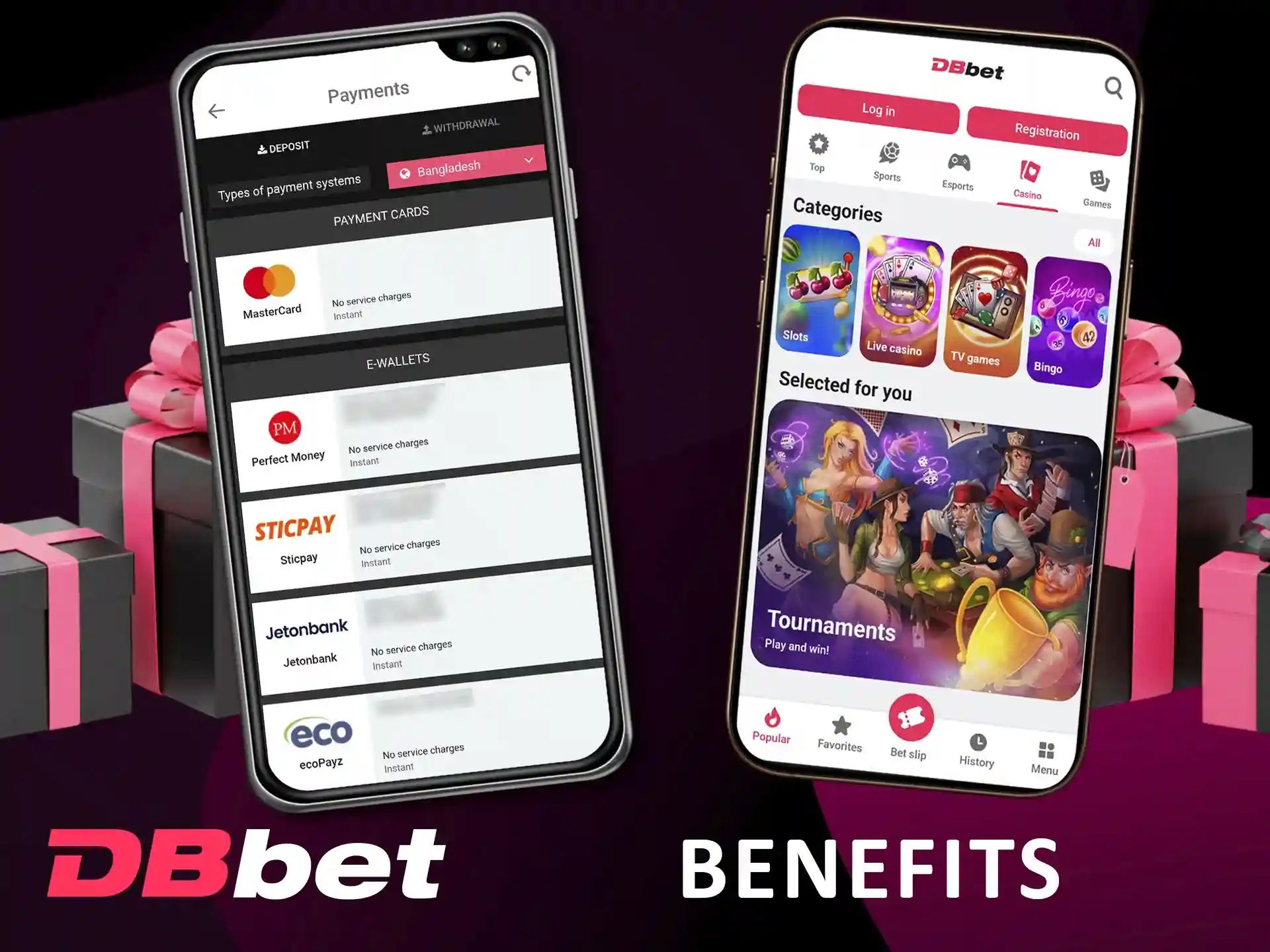
The DBbet app offers many advantages that improve the user experience. Here are the main advantages:
All these advantages make the DBbet app a comprehensive and convenient platform for players.
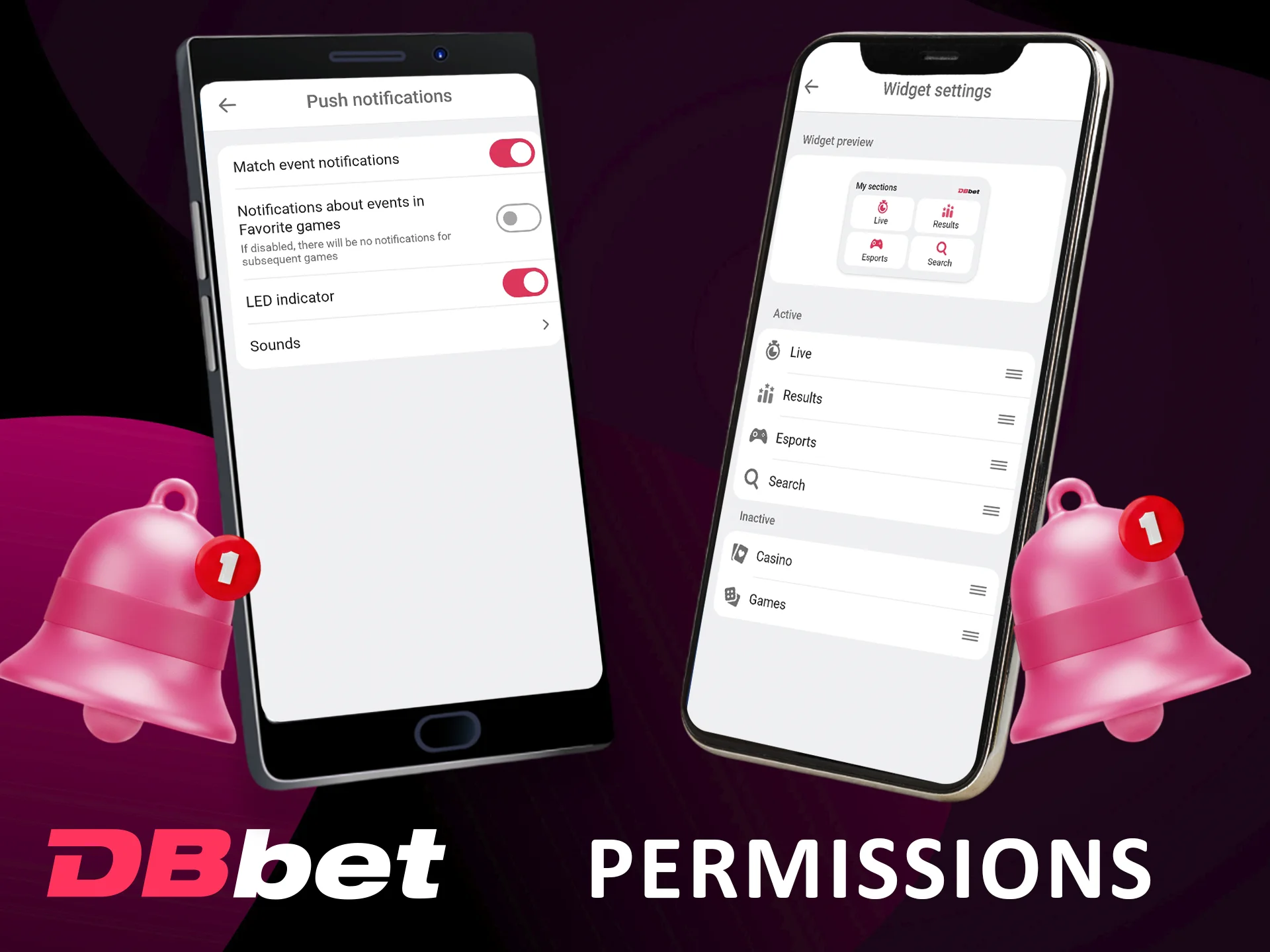
The Android app asks only for the permissions it needs, and each of them can be changed in the phone settings. The list may include:
The iOS PWA runs through Safari and uses the browser’s own permission prompts.
The app opens faster than a browser tab, keeps the player logged in and sends notifications about bets and promotions, so placing a bet takes only a few taps.
Select several markets one by one, and the bet slip will automatically offer the Accumulator option once multiple selections are added.
Yes. Registered users can watch live streams of selected events directly in the app where streaming is available.
On Android, check free storage, the internet connection and that installation from unknown sources is allowed. On iPhone, open the site in Safari to add the PWA. If the problem remains, the mobile site works in any browser.
Yes. The app uses the same cashier as the website, so deposits, withdrawals and the transaction history are all available in the app.
Updated: